
Download Maxthon Browser – Fast, Secure, Cloud‑Sync Web Experience
Overview of Maxthon MX5 Cloud Browser
Maxthon MX5 Cloud Browser is a modern, cross‑platform web browser designed to blend speed, security, and seamless cloud syncing into a single, ad‑free experience. Developed by the seasoned team behind Maxthon, the browser leverages dual rendering engines—WebKit for modern standards and Trident for legacy sites—to guarantee fast page loads and accurate content rendering across any device. Whether you’re browsing on Windows, macOS, Android, or iOS, Maxthon keeps your tabs, passwords, notes, and even email accounts synchronized in real time, letting you pick up exactly where you left off on another screen.
The built‑in Maxnote bookmark manager, Passkeeper password vault, and UUMail unified email hub give the browser a productivity edge that goes beyond simple surfing. Because it’s cloud‑centric, Maxthon also supports instant video downloading for offline playback, a powerful cache eraser, and a rich ecosystem of skins and extensions that let users personalize the interface to match their style. In short, Maxthon MX5 delivers a balanced mix of performance, privacy, and convenience, making it a reliable companion for both casual users and power browsers who demand more from their tools.
Core Features & Exclusive Tools
Feature Highlights
- Dual Rendering Engines (WebKit + Trident) for instant page rendering.
- Cloud Sync – Seamlessly share tabs, bookmarks, passwords, and notes across Windows, macOS, Android, and iOS.
- Ad‑Free Browsing – Built‑in blocker removes intrusive ads without third‑party extensions.
- Maxnote – Advanced bookmark manager with note‑taking and customizable view modes.
- Passkeeper – Encrypted password generator and vault that auto‑fills new account forms.
- UUMail – Unified email hub supporting multiple providers, custom rules, and virtual addresses.
- Media Downloader – One‑click video and audio capture for offline viewing.
- Custom Skins & Extensions – Personalize the UI and add functionality like translators, social shortcuts, and cache cleaners.
- Secure Cloud Storage – All synced data is encrypted in transit and at rest.
- Lightweight Toolbar – Minimalist design keeps the interface uncluttered.
Why These Features Matter
Speed is a primary metric for any browser, and Maxthon’s dual‑engine architecture ensures that both modern HTML5 sites and older legacy pages load with minimal delay. The cloud sync capability eliminates the friction of manually exporting bookmarks or passwords; a single login unlocks your entire browsing history across all devices. For users concerned about privacy, the integrated ad blocker and Passkeeper’s AES‑256 encryption provide a solid shield against trackers and data breaches.
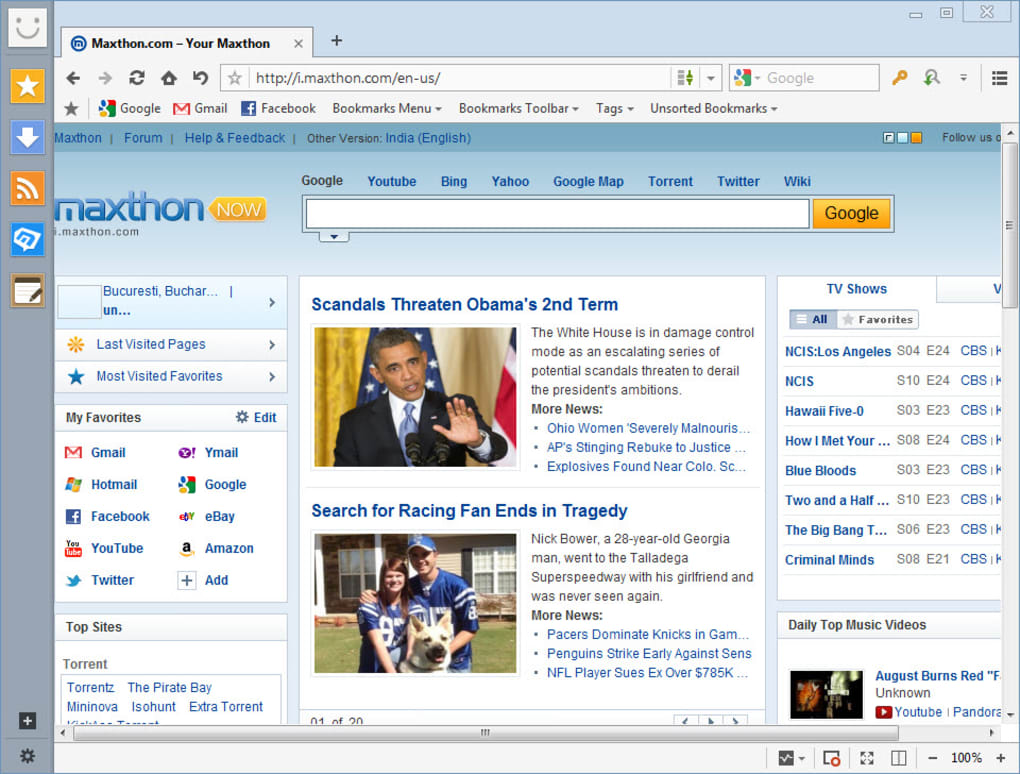
Maxnote turns the traditional bookmark folder into a powerful knowledge base, allowing you to attach notes, tags, and even screenshots to each entry. Meanwhile, UUMail consolidates fragmented email accounts into a single pane, reducing the need to switch between apps. All these tools are accessible through a clean, left‑hand toolbar that keeps the screen real estate focused on content rather than clutter.
Installation, Usage & Compatibility
Step‑by‑Step Installation Guide
Downloading Maxthon MX5 is straightforward. Visit the official Maxthon website, click the “Download for Windows” (or macOS, Android, iOS) button, and run the installer. The setup wizard walks you through standard options: choosing an install folder, creating a desktop shortcut, and opting into automatic updates.
For mobile platforms, the app is available on Google Play Store and Apple App Store; simply tap “Install” and grant the required permissions for storage and network access. Once installed, launch Maxthon and sign in with a Maxthon account—or create one in seconds using an email address or social login. This account is the key to unlocking cloud sync, Passkeeper vault, and UUMail services.
First‑Run Configuration
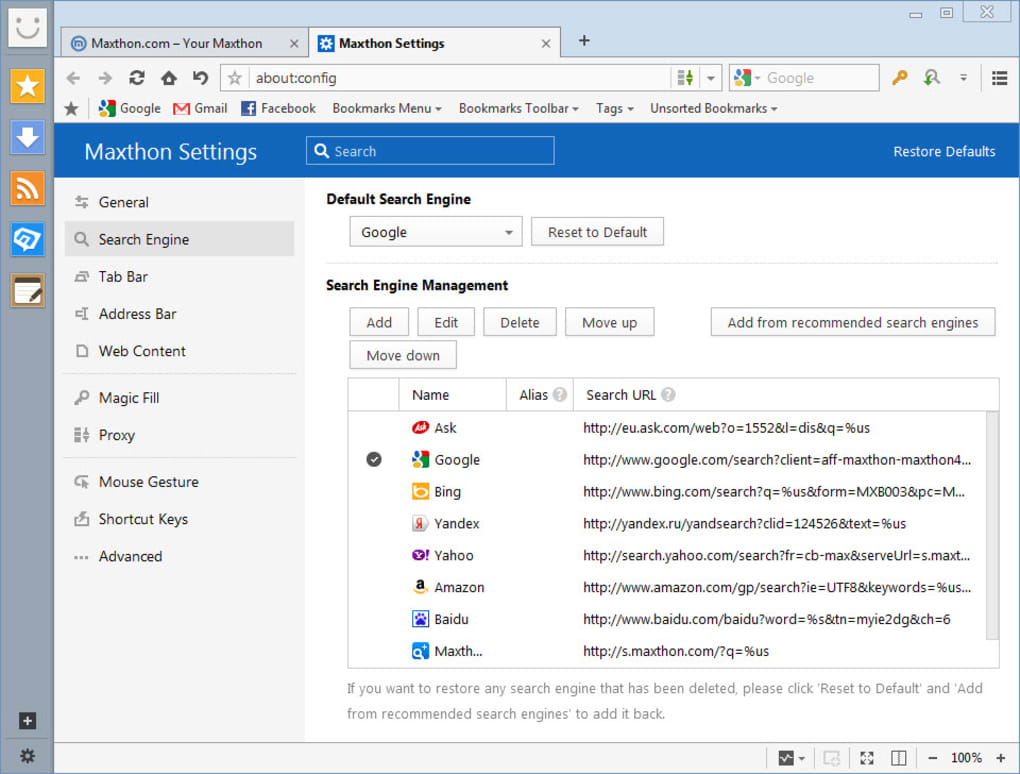
On first launch, Maxthon prompts you to import existing bookmarks from other browsers (Chrome, Firefox, Edge) and to set your default search engine. You can also enable the built‑in ad blocker and choose a default skin from the marketplace. For security‑conscious users, enable two‑factor authentication (2FA) under the “Account Settings” menu; this adds an extra layer of protection for your synced data. The “Sync Settings” panel lets you toggle which items to sync—tabs, passwords, notes, or email accounts—so you retain control over bandwidth and storage usage.
Operating System Compatibility
Maxthon MX5 is officially supported on Windows 10/11 (64‑bit), macOS 10.14 and later, Android 7.0+, and iOS 12+. The browser’s dual engine architecture ensures consistent performance across these platforms, while the cloud backend uses TLS 1.3 encryption to protect data in transit. System requirements are modest: a minimum of 2 GB RAM and 200 MB of free disk space for desktop installations, and 100 MB for mobile apps. Users on older hardware can still enjoy smooth browsing because Maxthon intelligently allocates resources based on the active rendering engine.
Everyday Usage Tips
To make the most of Maxthon’s productivity suite, start by pinning the Maxnote sidebar—this gives instant access to your saved sites and notes while you browse. Use the “Send to Device” button (found on the right‑hand toolbar) to push a tab from your desktop to your phone instantly. For frequent travelers, enable the “Offline Mode” in the Settings menu; this caches the most recent pages and downloaded media, allowing uninterrupted reading even without Wi‑Fi. Finally, explore the extension store to add tools like a language translator, social media quick‑share, or a privacy‑focused cookie manager. These add‑ons integrate seamlessly with Maxthon’s UI, keeping your workflow smooth and uninterrupted.
Pros, Cons, FAQ & Final Verdict
Pros & Cons
- Pros:
- Lightning‑fast dual rendering engines for both modern and legacy sites.
- Robust cloud sync across Windows, macOS, Android, and iOS.
- Built‑in ad blocker and encrypted Passkeeper vault enhance privacy.
- All‑in‑one productivity suite (Maxnote, UUMail, media downloader).
- Highly customizable with skins and extensions.
- Cons:
- Occasional UI inconsistencies between desktop and mobile skins.
- Resource usage slightly higher than ultra‑light browsers on very old hardware.
- Extension ecosystem smaller than Chrome’s Web Store.
Frequently Asked Questions
Is Maxthon Browser completely free?
Yes, Maxthon MX5 is free to download and use. Optional premium skins and some third‑party extensions may have a cost, but the core browser and all built‑in features are free.
How secure is the Passkeeper password vault?
Passkeeper uses AES‑256 encryption and stores passwords in an encrypted cloud container. Enabling two‑factor authentication further protects access to the vault.
Can I sync bookmarks without creating a Maxthon account?
Syncing across devices requires a Maxthon account. However, you can still import/export bookmarks manually using the built‑in import/export tools.
Does Maxthon support Chrome extensions?
Maxthon has its own extension store. While many Chrome extensions are compatible, they must be re‑packaged for Maxthon’s framework. Not all Chrome extensions will work out‑of‑the‑box.
What is the impact on battery life for mobile devices?
The dual engine approach is optimized for efficiency, and Maxthon includes a battery‑saving mode that reduces background activity when the screen is off, resulting in comparable battery consumption to other major browsers.
Conclusion & Call to Action
Overall, Maxthon MX5 Cloud Browser stands out as a versatile, secure, and feature‑rich alternative to mainstream browsers. Its ability to sync tabs, passwords, notes, and even email accounts across Windows, macOS, Android, and iOS makes it an ideal choice for users who work on multiple devices throughout the day. While the extension library isn’t as expansive as Chrome’s, the built‑in tools—Passkeeper, Maxnote, UUMail, and the media downloader—cover most everyday needs without additional installs. The minor UI quirks on older devices are far outweighed by the performance boost from the dual rendering engines and the ad‑free environment. If you value a streamlined, cloud‑centric browsing experience that keeps your data safe and your workflow uninterrupted, Maxthon is definitely worth a try.
Download Maxthon Browser now and start enjoying faster, more secure browsing across all your devices.







